Wireless vs Wired Connections: Latency and Reliability
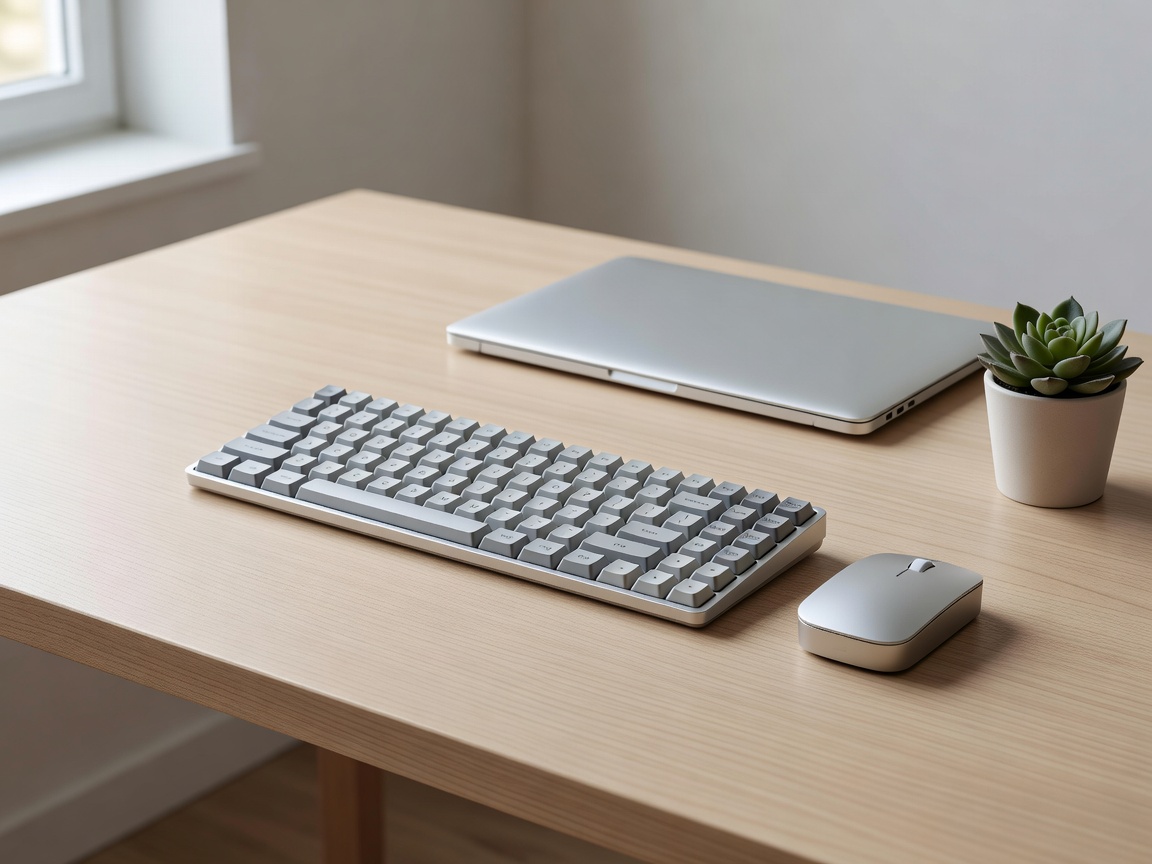
Choosing how your keyboard communicates with your machine is a delicate balance of aesthetic minimalism against the raw mathematical requirements of polling rates and debounce latency.
The Core Metrics of Transmission
Before comparing modes of connectivity, one must understand how key presses are converted into digital inputs. When a physical switch actuates, the keyboard's internal microcontroller unit (MCU) registers the electrical short. It then applies a debounce algorithm to filter out the electrical "chatter" of metal contacts slamming together, ensuring a single physical press registers as precisely one digital output.
After debouncing, the input is sent to the host computer based on the polling rate. A standard high-performance polling rate is 1000Hz, meaning the computer checks the keyboard for new data 1,000 times per second, resulting in a maximum polling delay of 1 millisecond. The transmission method determines how reliably and quickly this data packet actually travels from MCU to Motherboard.
Wired Connections (USB Type-C)
For purists and professional gamers, the copper wire remains undefeated. A direct USB connection ensures a flawless, uninterrupted data stream immune to the chaotic spectrum of ambient radio frequencies. Wired keyboards consistently support 1000Hz (and sometimes up to 8000Hz) polling rates natively, with zero concern for battery degradation. They easily support N-Key Rollover (NKRO), meaning you can actuate every single key simultaneously and the controller will successfully register every individual input.
The primary drawback of wired boards is purely aesthetic and organizational. Heavy, coiled aviator cables have become popular to mitigate this, turning the necessary tether into a stylized desk accessory, though it still ties the peripheral to a fixed radius around the host device.
Bluetooth Wireless (BLE)
Bluetooth Low Energy has revolutionized the portability of mechanical keyboards. By eliminating the need for a dedicated USB dongle, a Bluetooth keyboard can seamlessly jump between a desktop PC, a tablet, and a mobile phone with basic hotkey combinations. It boasts exceptional power efficiency, allowing keyboards (even those driving basic backlighting) to survive weeks or months on a single lithium-ion charge.
However, Bluetooth is an inherently high-latency protocol designed for convenience, not speed. Standard Bluetooth connections often exhibit polling delays between 8ms and 20ms, and they are susceptible to waking delays if the board enters a sleep state to conserve battery. For general programming and daily typing, this latency is totally imperceptible. For high-level competitive gaming, it is a critical disadvantage.
2.4GHz Radio Frequency (Dongle)
To bridge the gap between wired speed and wireless aesthetics, manufacturers implement proprietary 2.4GHz RF connections. This requires a dedicated USB dongle plugged into the host computer. Unlike Bluetooth, a 2.4GHz connection can match the 1000Hz/1ms polling rate of a physical cable. It utilizes dedicated transmission channels to circumvent local wireless clutter and avoids the sleep-wake latency inherent to Bluetooth.
The trade-off for this high-speed, zero-latency transmission is power consumption. 2.4GHz modes drain batteries significantly faster than Bluetooth protocols, often reducing battery life from months down to mere days if paired with heavy RGB lighting. Furthermore, the reliance on a tiny physical dongle limits cross-device compatibility, making it less ideal for users frequently swapping between laptops, tablets, and phones.
Making the Choice
If competitive gaming is a primary use case, a wired connection or a premium 2.4GHz RF board is mandatory. The imperceptible lag of Bluetooth can mean missed inputs during rapid response scenarios. Conversely, for software engineers, writers, and designers building clean, minimalist desk environments, Bluetooth provides more than enough bandwidth and speed, alongside vast battery life advantages.